
See where the work actually stands
Progress reports itself. Pulse keeps you current on what moved, and analytics answer the questions you would otherwise ask in a meeting.
Where 4,000+ product teams plan and ship
Catch up without asking anyone
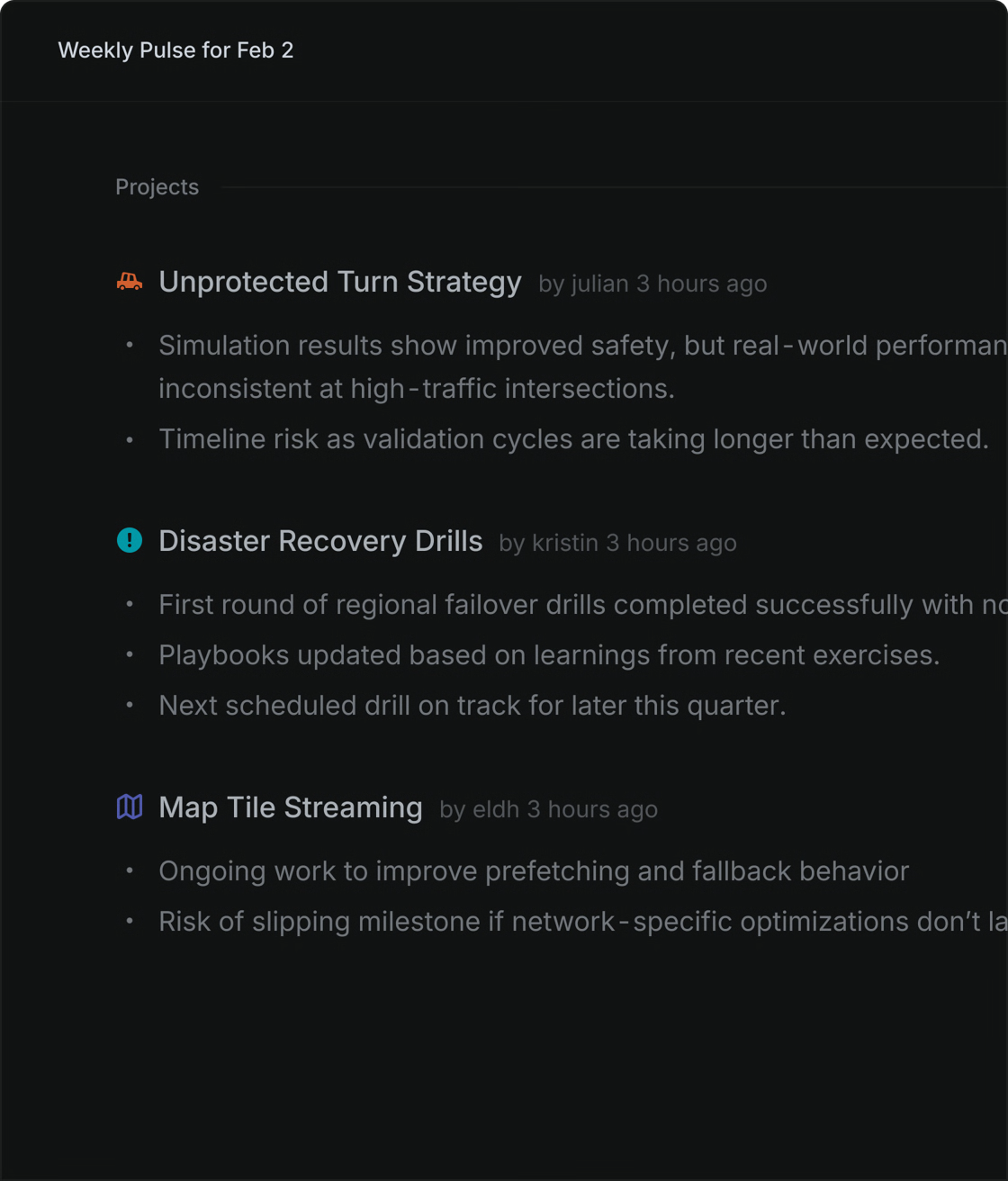
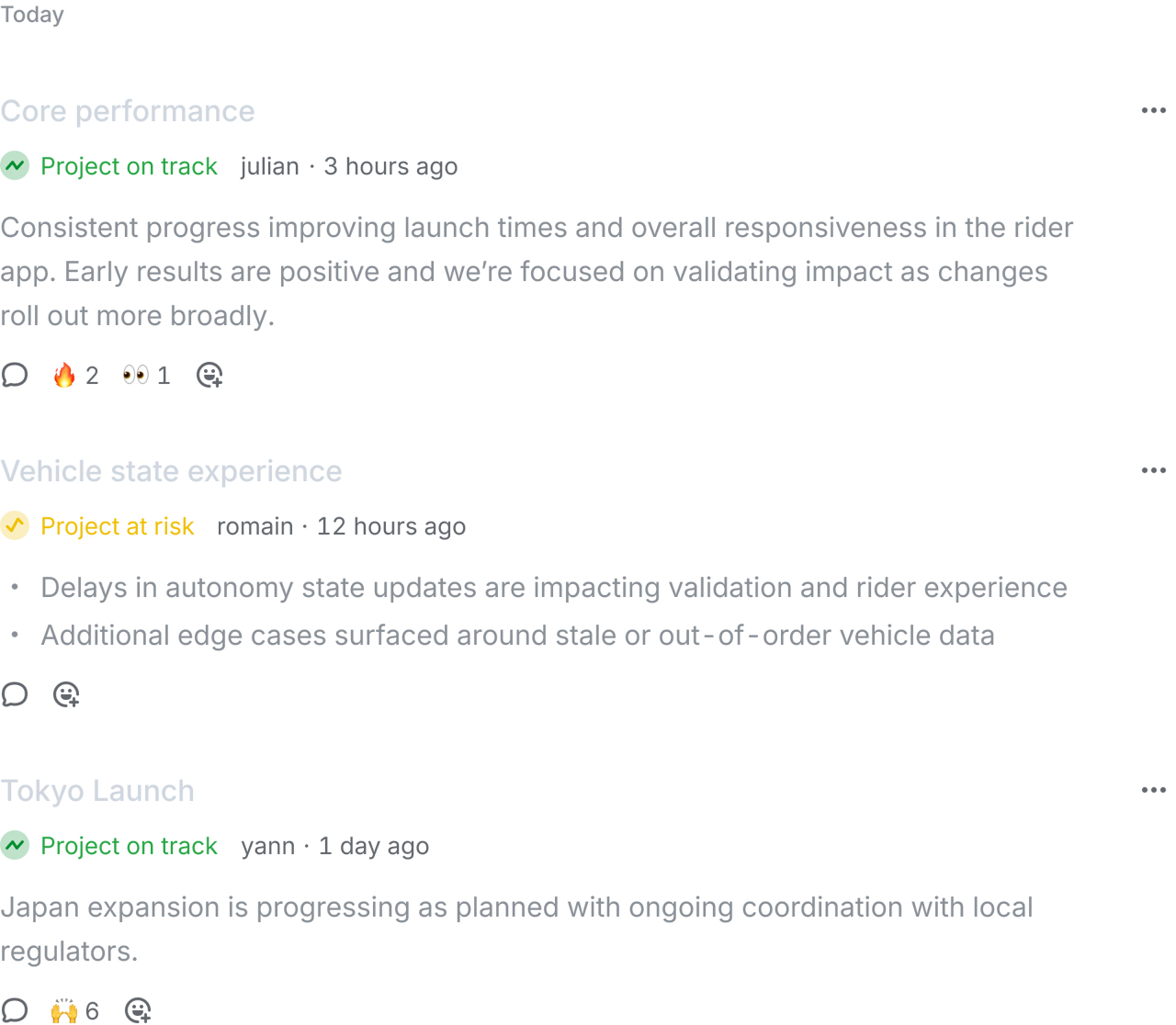
A feed of what actually moved across the projects you care about, written for reading rather than for filing.
6.1Pulse+
The update finds you
Project and initiative updates from across the workspace collect into one feed, tuned to the work you actually follow.
Follow the threads that matter
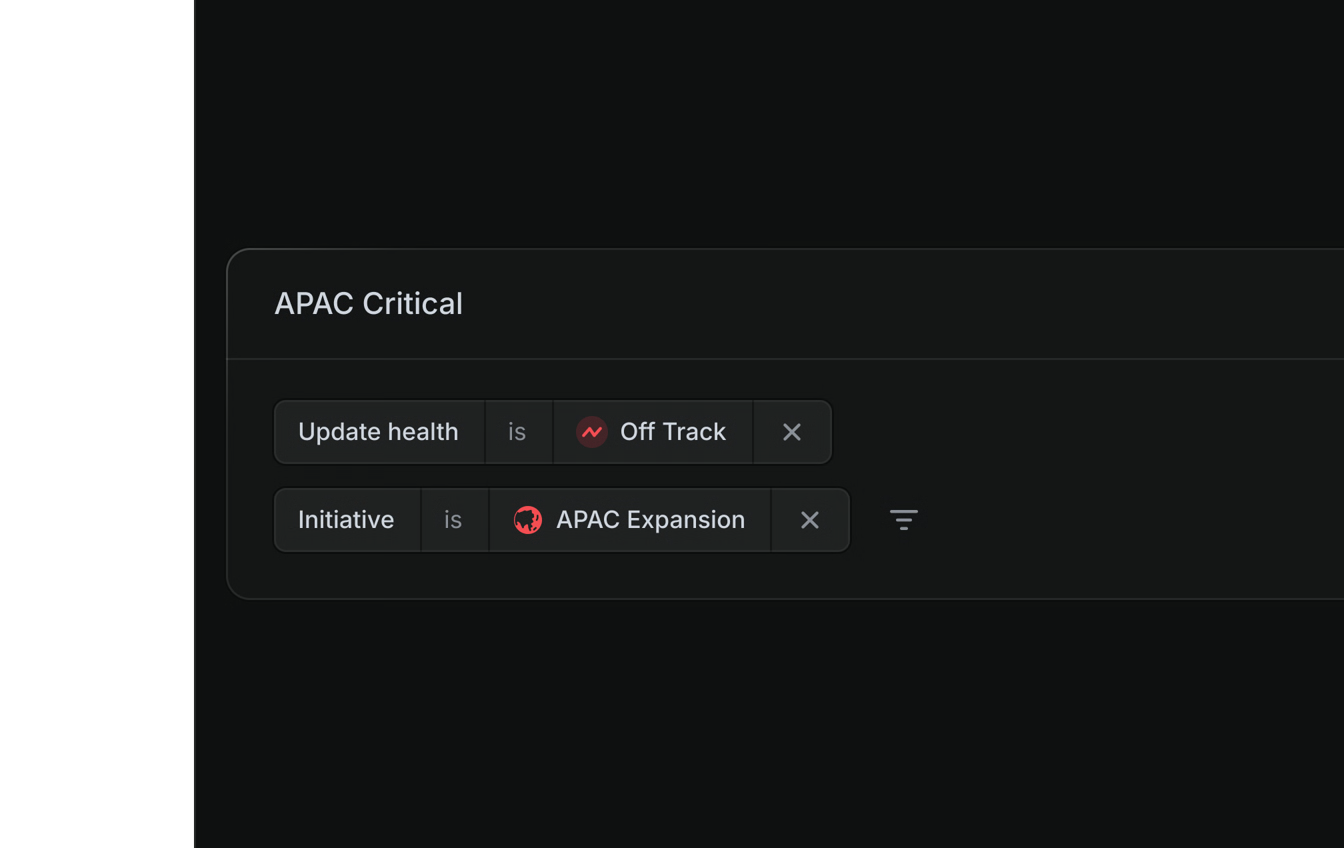
Build a feed around the projects and initiatives you own, and leave the rest out of it.

Your week, summarised before you ask
A written or audio digest of what changed lands in your inbox, so catching up costs a few minutes.
Intuition, checked against the data
Planning runs on instinct until someone asks for evidence. Analytics keep the evidence beside the work rather than in a spreadsheet.
6.2Analytics→
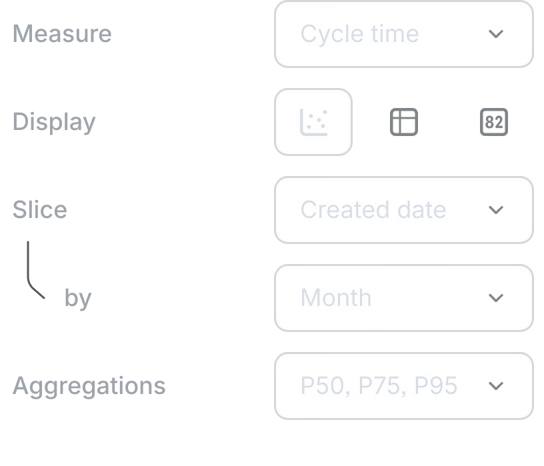
Any stream of work, measured
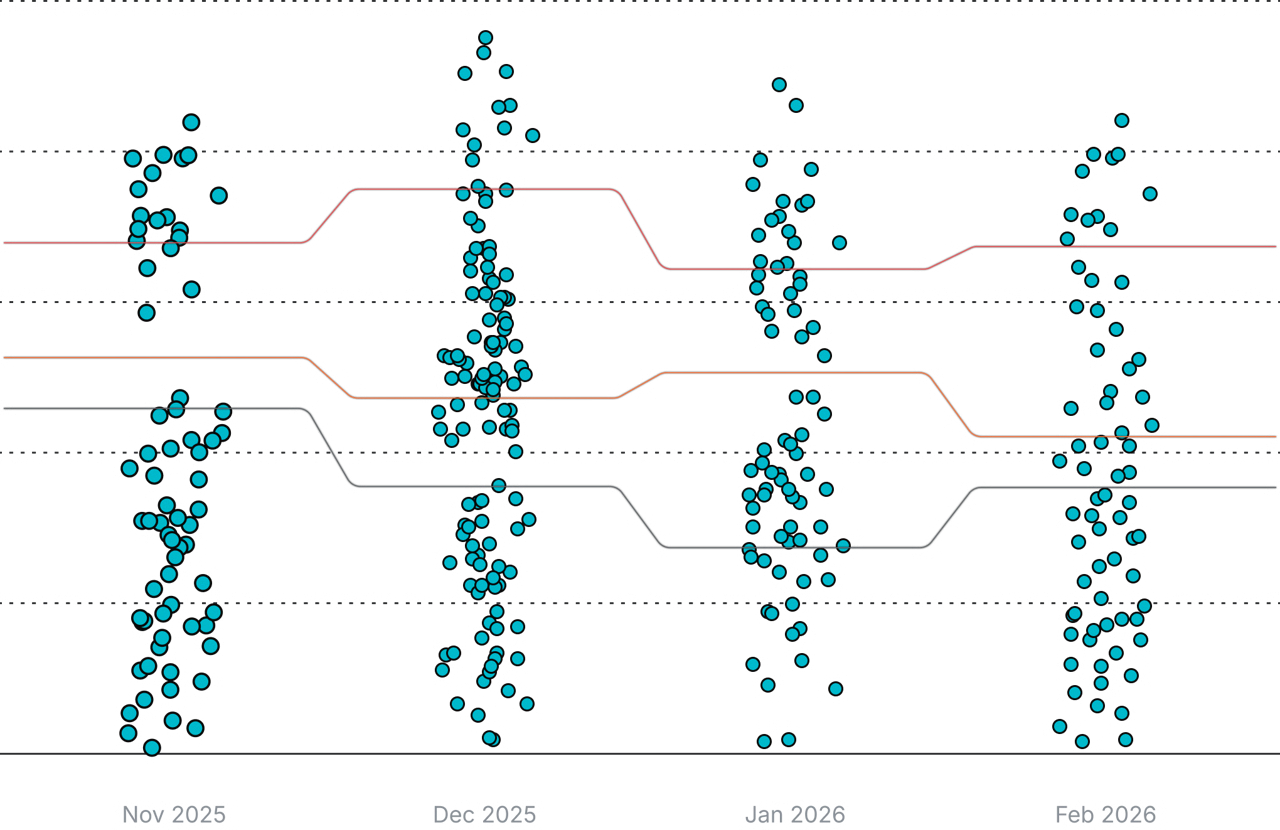
Point analytics at a team, a project, or a cycle and get scope, velocity, and slippage without building the report first.
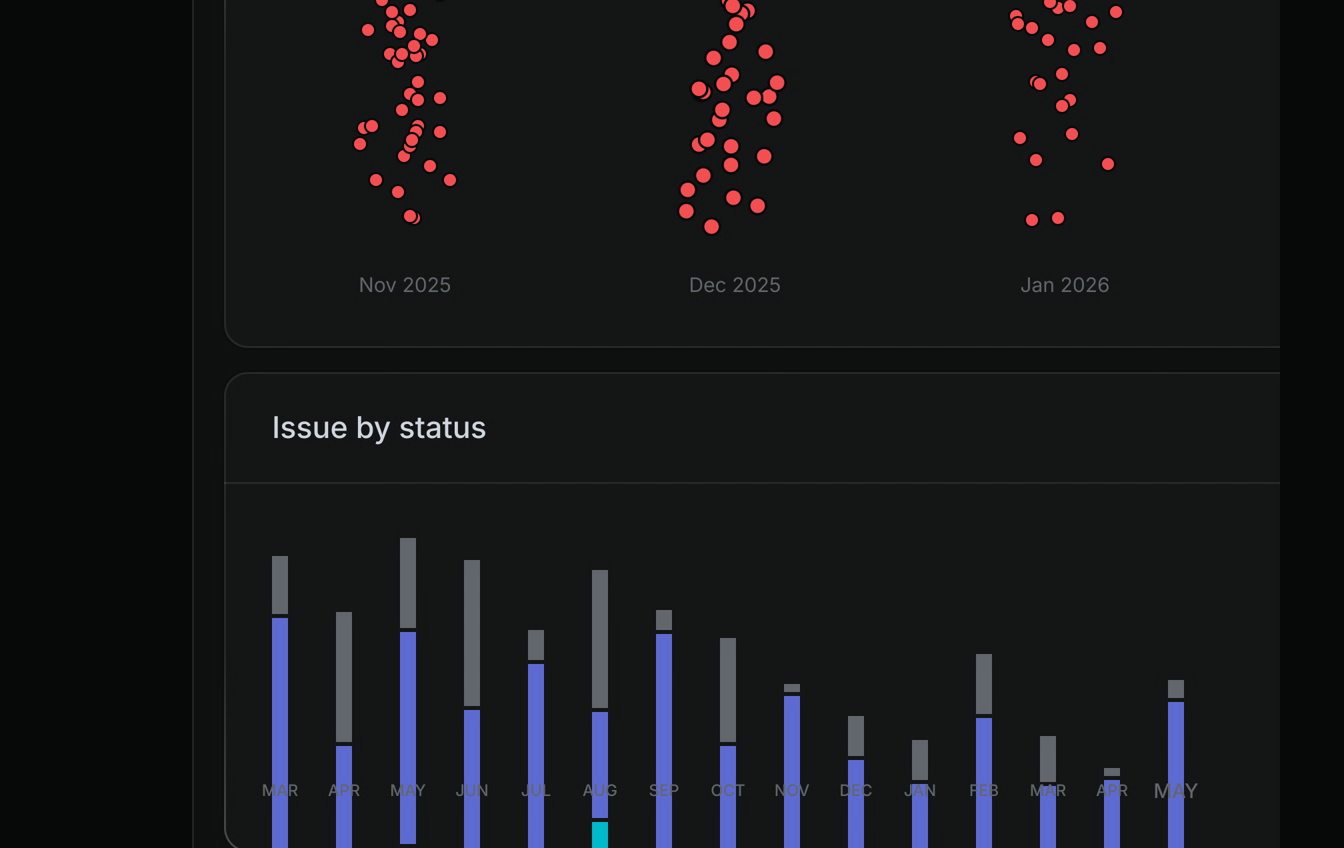
Dashboards you assemble yourself
Combine the views that matter into one board, so the numbers a team watches live in one place.
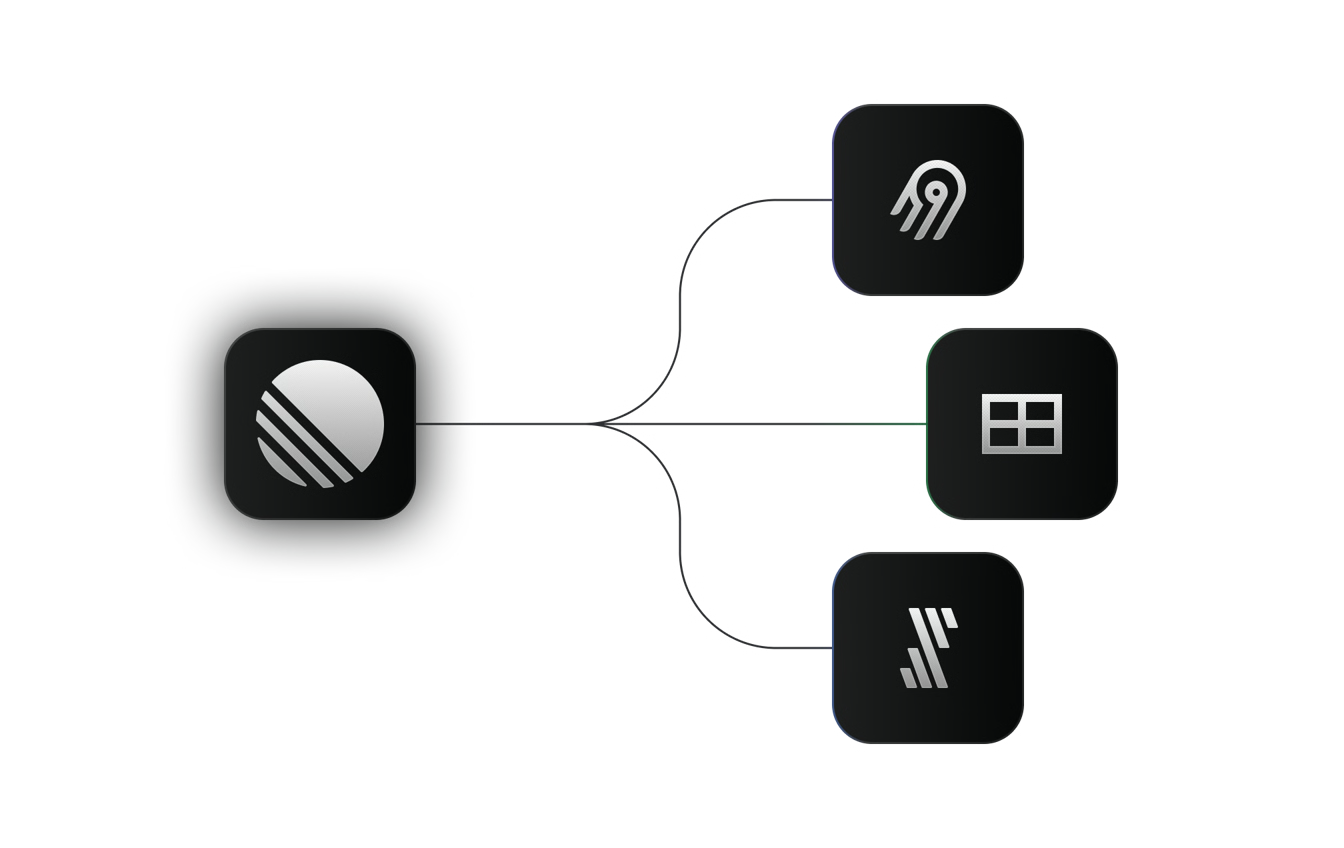
Take the data elsewhere
Export to Sheets, Fivetran, or Airbyte when a question needs more than the built-in reporting.
 Maya LindholmHead of Product, Forma
“We moved off four separate tools in under two weeks. Nobody asks where a project lives anymore, standups got noticeably shorter, and onboarding takes half the time it used to.”
 Tom BeckerEngineering Manager
“neevio AI caught a conflict between two projects before either team had noticed. That alone justified the switch.”
 Hannah ColeStaff Engineer, Driftwell
“The cleanest API I have worked with in years. Consistent response shapes, sensible webhooks, docs that match the behaviour. We had reporting wired up in an afternoon.”
Frequently asked questions
Everything you need to know to get started.
Planning and building product, end to end. Initiatives, issues, cycles, and the docs that explain them live in one workspace. The work stops being spread across five tools that never quite agree.
Teams running more than one thing at a time who need every one of them to stay visible. It fits a five person startup and a five hundred person org, and the structure grows as you do.
Most teams are running their first cycle the same afternoon. No engineering work, no migration project, no onboarding specialist. Sign up, invite people, connect the tools you already use.
Yes. We connect to the major platforms teams rely on for chat, source control, design, and issue tracking. Each one takes a single sign in.
We’re SOC 2 Type II certified, everything is encrypted in transit and at rest, and we never train a model on your workspace content. Our security page has the detail.
Yes. The Free plan runs real work for as long as you like, with no time limit. Pro comes with a 14 day trial and no card up front.
Still have questions? Contact support or visit help center.
Get your team on one system.
Start free today. Most teams are running their first cycle by the same afternoon.