
Changelog
v 2.0.0
/
Introducing neevio AI, your new AI companion
 Get started with neevio AI
The biggest release we have shipped. neevio AI moves from an assistant you prompt to a layer that understands the full state of every project and surfaces what matters before you ask.
Read the full story → Introducing neevio AI 1.0, project intelligence for fast moving teams
From assistant to intelligence
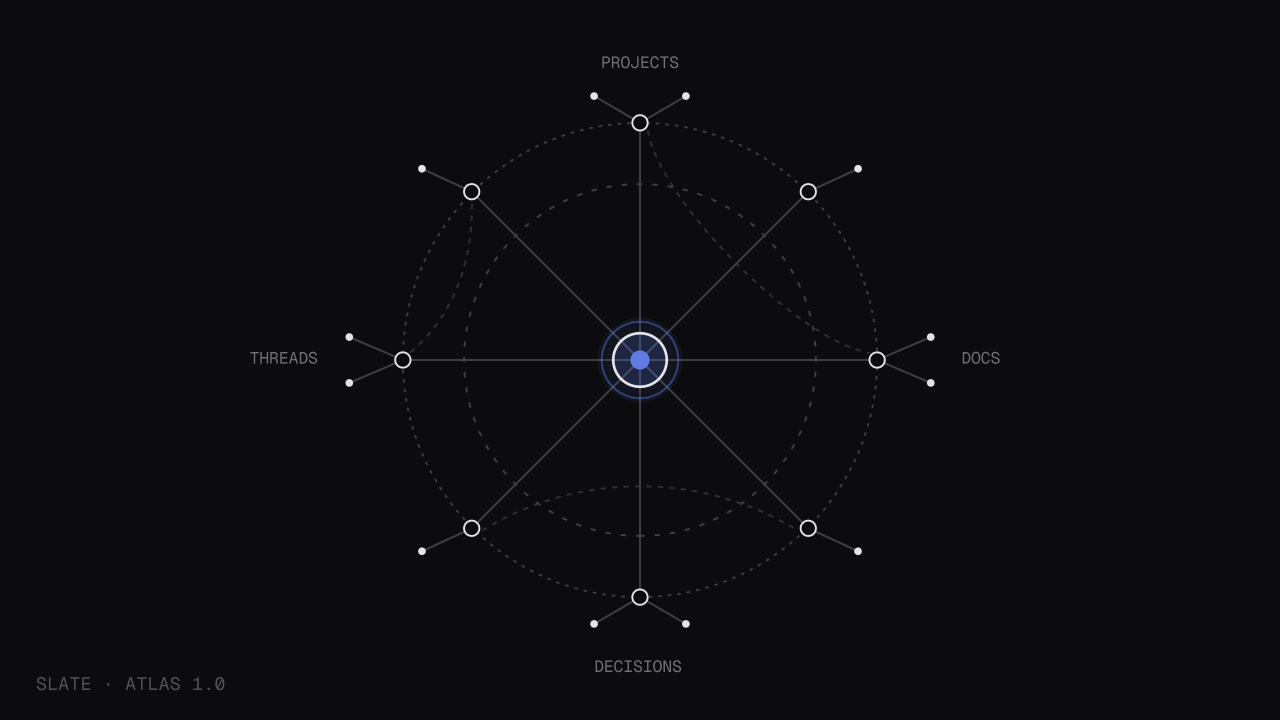
neevio AI now keeps a live semantic graph of your projects, documents, decisions, and threads. Open a project and it has already read the room: what changed, what is unresolved, and what connects to work happening elsewhere.
You no longer paste in context or open the right documents first. neevio AI resolves it before the model runs, listening for events like
document.updatedanddecision.loggedto keep its graph current.context: source: /ai/narrative depth: full references: - project: launch-narrative sections: ["risks", "timeline", "open-questions"] - thread: friday-review-prep status: unresolved include_sources: true
What is new
- Proactive surfaces: neevio AI flags stalled projects, conflicting plans, and unresolved threads without being asked.
- Cross-project reasoning: neevio AI reasons across your entire workspace, not just the document in front of you.
- Full source attribution: Every surface links back to the exact block it came from
- neevio AI API: Query workspace intelligence programmatically on Business plans.
The neevio AI API
For teams building internal tooling, neevio AI reasoning is now available through the public API. A single
ai.querycall resolves context and returns an attributed answer.curl https://api.neevio.in/v1/ai/query \ --header "Authorization: Bearer $SLATE_API_KEY" \ --header "Content-Type: application/json" \ --data '{ "workspace_id": "ws_neevio", "context_depth": "full", "query": "What are the unresolved risks across active projects this week?", "format": "bullets", "include_sources": true }'
Each result includes a
sourcesarray, so every claim traces back to its origin. The full breakdown is in the neevio AI API reference.Availability
Free Pro Team Context scope Single project Full workspace Cross-workspace Proactive surfaces - ✓ ✓ neevio AI API - - ✓ Cross-workspace reasoning and
ai.queryaccess are limited to Business plans. You can compare what each tier includes on our pricing page.Also in this release
- Improved: Context indexing runs incrementally, no noticeable lag on large workspaces.
- Improved: Workspace settings now include a per-folder neevio AI index scope.
- Fixed: Source links occasionally pointed to a stale document version.
v 1.9.3
/
Insights for every project
See your workspace insightsEvery workspace now has a home screen that tells you how work is actually moving.
Open threads, time saved, docs drafted, decisions logged. The numbers were always there in the background. Now they sit on your workspace home, scoped to the period you care about and refreshed as work happens.
What you get
- A metrics overview on every workspace home, with day, week, month, and quarter ranges.
- Four core measures out of the box: open threads, time saved, docs drafted, and decisions logged.
- Per-project breakdowns, so you can see where momentum is concentrated.
- Quiet week-over-week deltas, no vanity charts.
Insights are computed from the same event stream that powers the rest of neevio, so a
document.draftedordecision.loggedevent updates your numbers the moment it fires. Nothing to instrument, nothing to configure.Business plans can pull the same figures programmatically through the
insights.summaryendpoint for internal reporting or a custom dashboard.curl https://api.neevio.in/v1/insights/summary \ --header "Authorization: Bearer $SLATE_API_KEY" \ --data '{ "workspace_id": "ws_neevio", "range": "week" }'
Numbers are only useful if you trust how they are counted. We documented the exact definition behind each measure in the insights reference.
Also in this release
- Improved: Workspace home now loads its first paint before metrics finish resolving.
- Fixed: Quarter range occasionally counted the first day of the period twice.
v 1.8.0
/
The neevio API is public
Read the API documentationEverything you were able to do inside of neevio, can now be done from code.
After four months in private beta with 43 teams, the neevio API is out of beta and open to everyone. Workspaces, projects, documents, and members are all addressable through a single, consistent REST surface.
Read the full story → The neevio API is out of beta and open for everyone starting today
Authentication
Requests authenticate with a workspace-scoped bearer token, generated from your API settings. Each token carries explicit scopes like
projects:readorautomations:write, so a token can only ever do what you granted it.curl https://api.neevio.in/v1/projects \ --header "Authorization: Bearer $SLATE_API_KEY" \ --data '{ "workspace_id": "ws_neevio", "status": "active" }'
Every response shares the same shape: a
dataobject, ametablock for pagination, and anerrorfield that is null on success. No endpoint returns a bare array or an undocumented structure.Webhooks
Rather than poll for changes, register an endpoint and let neevio push events the moment they happen, from
project.createdtomember.joined.curl https://api.neevio.in/v1/webhooks \ --request POST \ --header "Authorization: Bearer $SLATE_API_KEY" \ --data '{ "workspace_id": "ws_neevio", "url": "https://your-service.com/hooks/neevio", "events": ["project.status.changed", "document.updated"], "secret": "whsec_yourverificationsecret" }'
Every payload is signed with your secret using HMAC-SHA256. Failed deliveries retry with exponential backoff across five attempts, and the full delivery log is visible in the webhook dashboard.
Rate limits
Limits are per token, not per workspace, so two tokens from the same workspace scale independently.
Plan Per minute Per day Free 30 1,000 Pro 120 10,000 Team 600 100,000 A
429response always includes aRetry-Afterheader, andX-RateLimit-Remainingis present on every call so you can track headroom before you hit a wall.What is not included yet
Billing, plan management, and workspace settings are intentionally out of the v1 surface. We would rather ship a stable, well-documented core than a broad one with rough edges. Every endpoint and field is covered in the full API documentation.
Also in this release
- Improved: Document responses now return structured blocks rather than raw markup.
- Fixed: Pagination cursors occasionally skipped an item at the page boundary.
v 1.7.0
/
neevio for desktop and mobile
 Download neevio
neevio now lives outside the browser. Native apps for macOS, Windows, iOS, and Android, built on the same workspace you already use.
The desktop apps are not a wrapped website. They launch instantly, hold their own window state, and put the command bar one keystroke away from anywhere on your machine.
What is new
- Native desktop: macOS and Windows, with a global ⌘ + K to search or ask neevio AI from any app.
- Native mobile: iOS and Android, tuned for reading, reviewing, and quick capture.
- Offline drafts: Keep writing with no connection; changes sync the moment you are back.
- System notifications: Mentions and neevio AI surfaces arrive natively, not just in-app.
Offline edits are merged on reconnect using the same conflict resolution that powers real-time collaboration, so a draft written on a plane lands cleanly even if a teammate touched the same document. Each device registers a
session.startedevent, so your active sessions stay visible in security settings.Existing workspaces need nothing. Sign in on any device and everything is already there. You can grab every build from the download page.
Also in this release
- Improved: Search now ranks recently opened documents higher across all platforms.
- Fixed: Deep links occasionally opened the browser instead of the desktop app.
v 1.6.4
/
Controls for multi-project orgs
Explore Business plansAs teams grow, who can do what stops being an afterthought. This release gives you the controls to answer that question precisely.
Single sign-on, role based access, and a full audit trail are now available on Business plans. Everything an administrator needs to bring neevio in line with how the rest of their stack is governed.
What is new
- SSO and SAML: Connect any SAML 2.0 identity provider, from Okta to Entra ID.
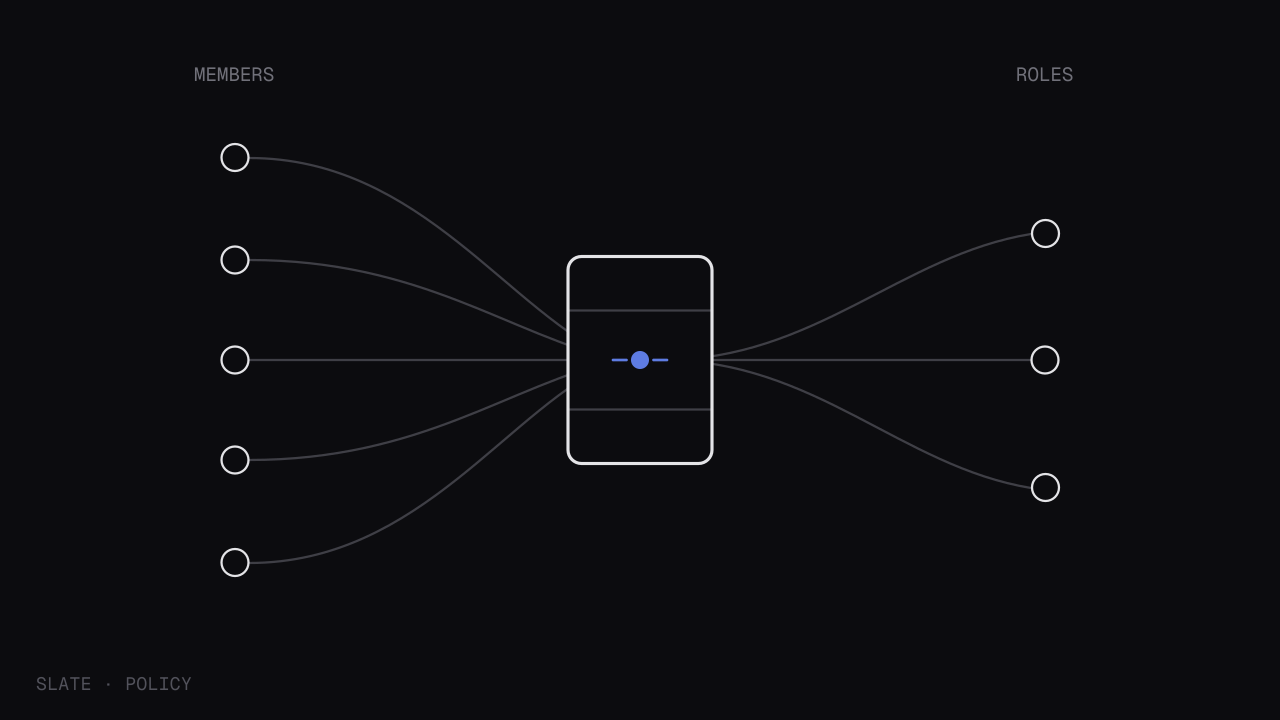
- Role based access: Assign admin, member, or guest roles, scoped per workspace.
- Audit logs: A complete, exportable record of every meaningful action.
- Session management: Review and revoke active sessions across every device.
Audit entries are structured and queryable, not a flat text dump. Each record captures the actor, the action, and the target, so a
member.role.changedordocument.permissions.updatedevent is easy to trace months later.curl https://api.neevio.in/v1/audit \ --header "Authorization: Bearer $SLATE_API_KEY" \ --data '{ "workspace_id": "ws_neevio", "action": "member.role.changed" }'
Access control only helps if the model behind it is clear. We wrote about the thinking in governance and access control built for growing teams.
Also in this release
- Improved: Guest accounts are now visually distinct across members lists and mentions.
- Fixed: Audit export occasionally truncated entries older than 90 days.
v 1.5.2
/
Automations for every cycle
Explore automationsRepetitive work should not need a person to keep it moving. Automations let your workspace handle the routine steps for you.
Build a sequence once and neevio runs it whenever the trigger fires: a status change, a new member, a project moving from one stage to the next. No external tools, no glue code.
What is new
- Trigger and action builder: Pair any workspace event with the action it should set off.
- Prebuilt workflows: Start from a library of common team patterns rather than a blank canvas.
- Conditional steps: Run an action only when the conditions you set are actually met.
- Run history: See every execution, with the outcome of each step laid out clearly.
Every automation starts from an event. A
project.status.changedormember.joinedtrigger flows into the actions you define, and each run is logged so you can see exactly what happened and when.trigger: project.status.changed filter: field: status value: "shipped" action: type: notify channel: "#launches"
Prebuilt workflows are the fastest way in. We walked through how teams use them to standardize delivery in how to use prebuilt workflows to standardize your delivery.
Also in this release
- Improved: The run history now keeps the last 1,000 executions per automation.
- Fixed: Conditional steps occasionally evaluated an empty field as a match.