Features offered by Neevio
Easiest way to collect feedback from your customers
Neevio\'s three modules, product feedback board, public roadmap and product changelog will help you manage all of your customer feedback in one place.
Smart Task Decomposition
Granular, Actionable Tasks
High-level requirements are algorithmically broken down into granular tasks with accurate estimations and mapped dependencies.
Natural Language Generation
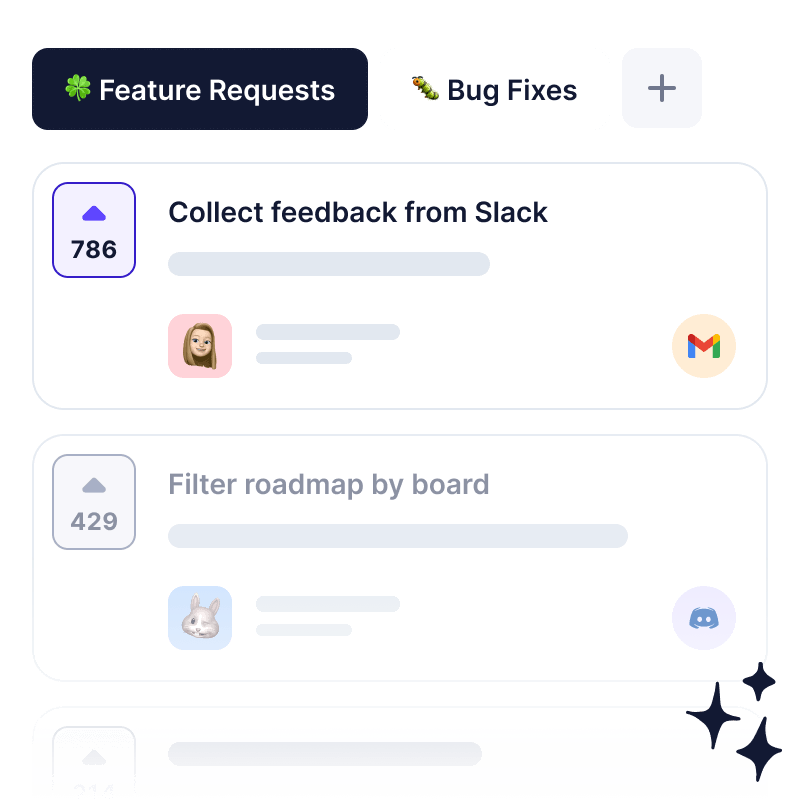
Collect all of your feedback from different platforms like Intercom, Slack, Discord and many more in one place.
Automated Quality Gates
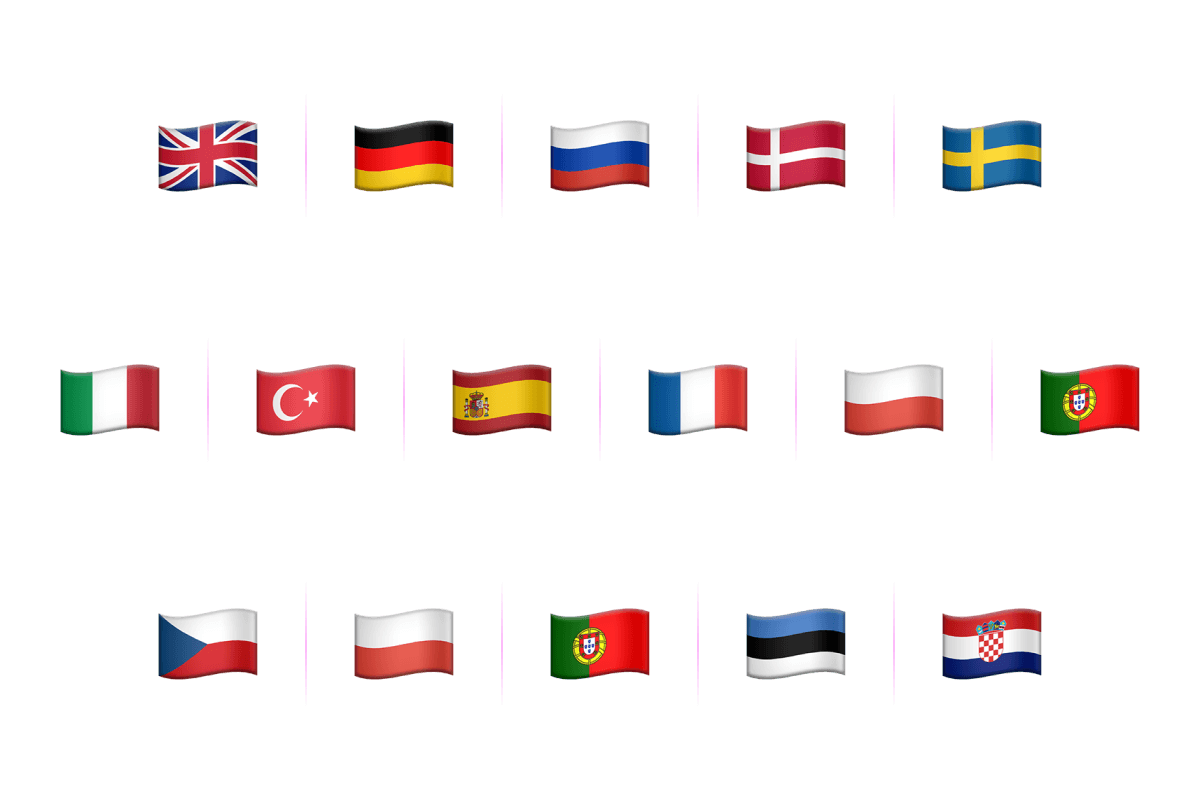
You can set native language of your feedback portal in order to localize for your users.
Smart Auto-Assignment
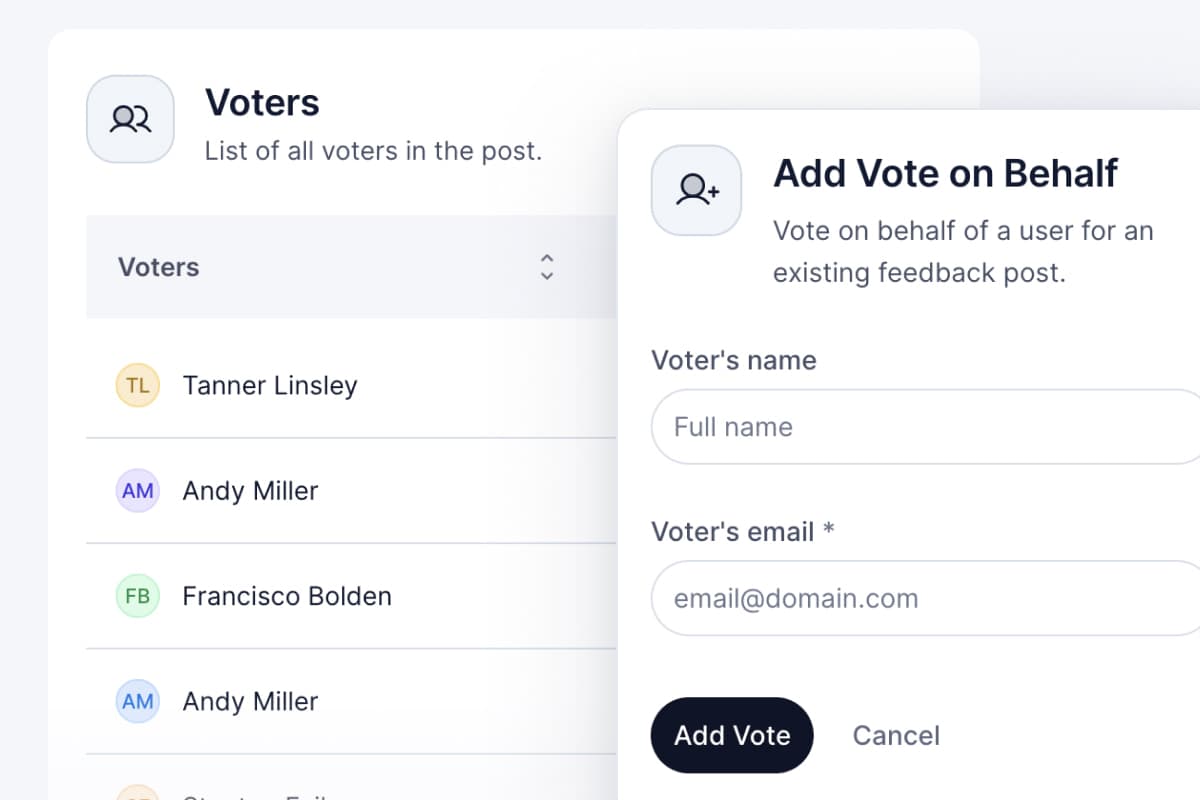
Identify most important feature requests by allowing your customer support team to vote on behalf of your customers.
Proactive Delay Prediction
The AI PM Agent monitors velocity in real-time, predicting schedule slips before they happen.
Intelligent Issue Tracking
The backbone of your workflow
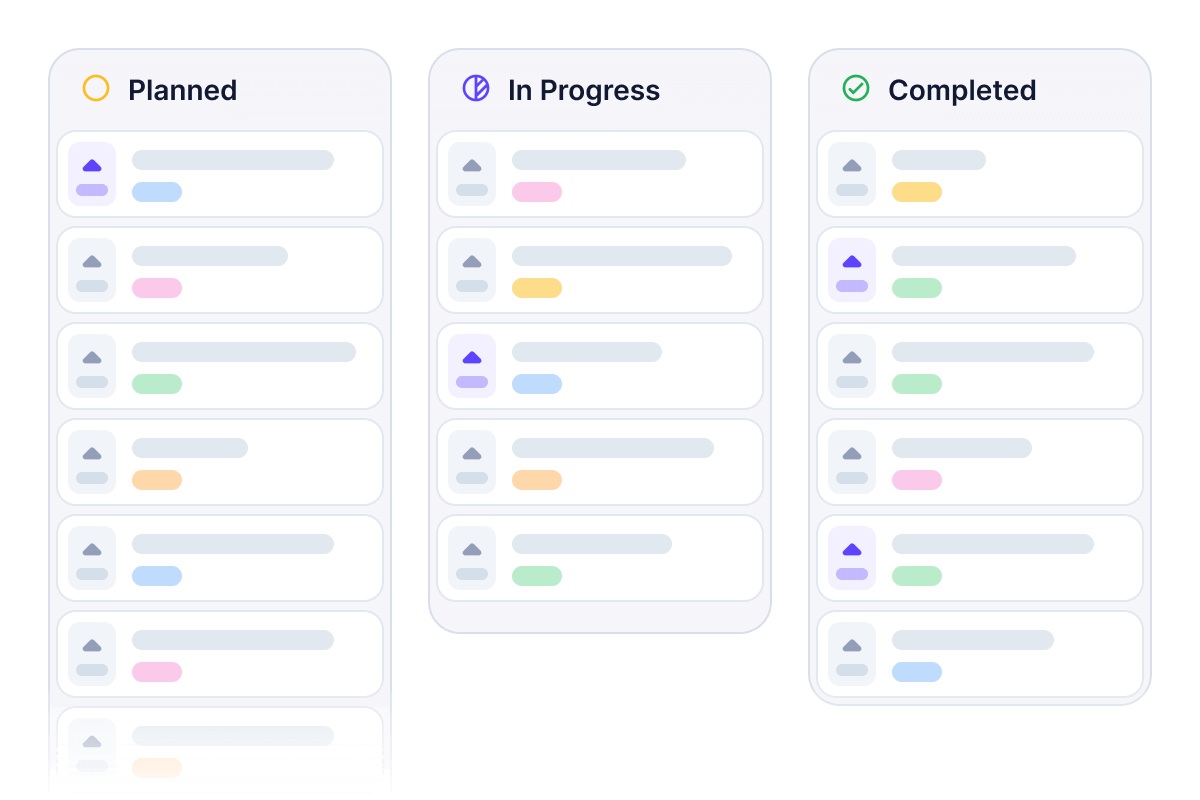
Organize your roadmap with precision. Track every feature, bug, and improvement across multiple views.
Cycles & Modules
Time-box your work into manageable Sprints while grouping related features for cross-project visibility.
Custom Views & Filters
Create and share filtered perspectives (List, Kanban Board, Gantt, Calendar) so your team sees exactly what they need.
Auto-Cascade Gantt Charts
Visualize dependencies. When one task slips, all downstream dependent tasks shift automatically.
Parent-child Hierarchies
Break down massive features into manageable, bite-sized tasks with unlimited sub-issue nesting.
Integrated Knowledge Base
Living documentation connected to delivery
Stop scattering your PRDs, architectural decisions, and sprint retrospectives across disconnected wikis.
Rich-Text Editor
A distraction-free environment supporting markdown, code blocks, and embedded assets.
Live Issue Embedding
Embed live Neevio issues or Gantt charts directly into your documents.
Seamless Cross-Linking
Type [[ to instantly link a document to any issue, ensuring context is never lost.
Cross-Project Visibility
The workspace modules view aggregates all active feature tracks across projects.
Neevio's Best Features
Neevio is loaded with features to power your workflow
Core Features

AI Sprint Generation
Generate optimized sprint plans from natural language prompts.

Intelligent Issue Tracking
Prioritize features based on impact and urgency.

Living Knowledge Base
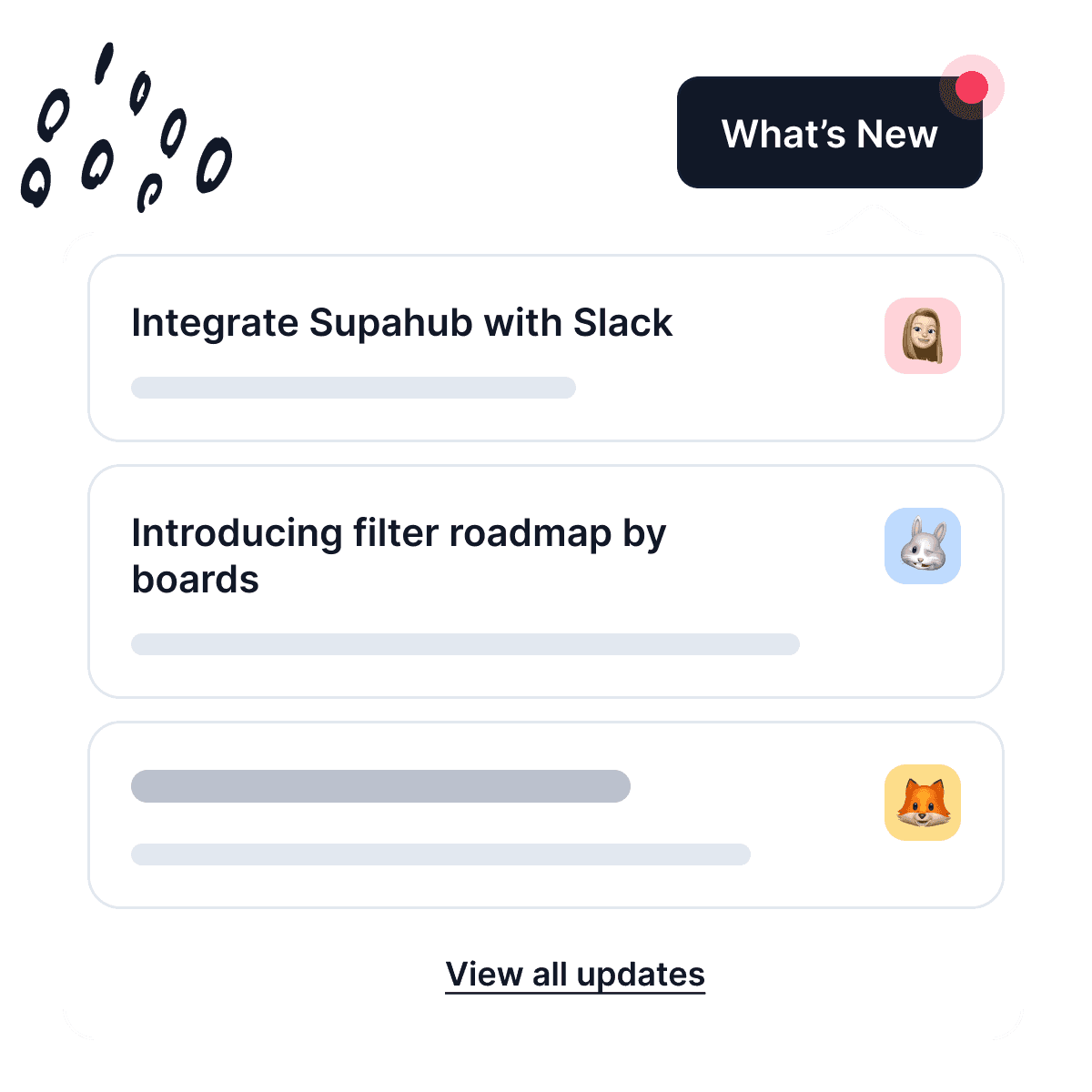
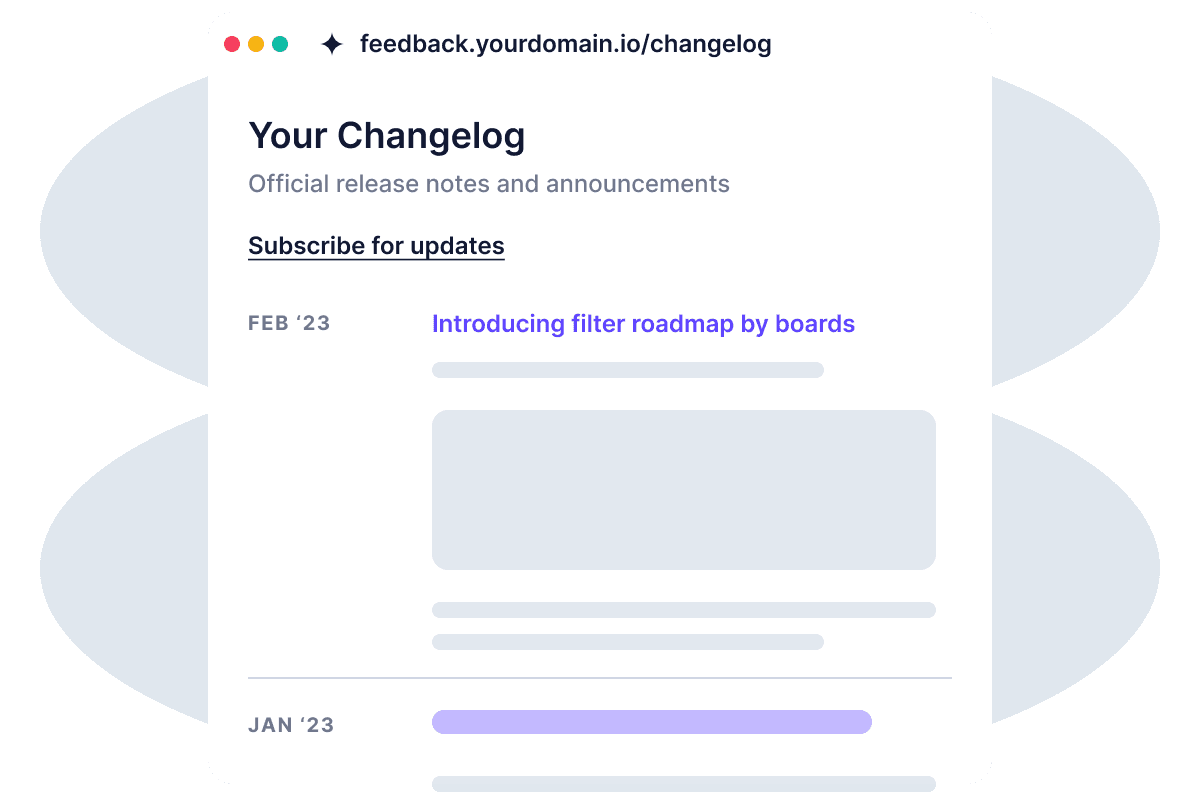
Announce new product updates, share features with your users.
Privacy

Board privacy
Boards can be public or private, and you can decide who has access to the board.

Smart Auto-Assignment
Tasks are dynamically assigned based on developer skill matrices.

Delay Prediction
AI agent predicts schedule slips and suggests actionable mitigations.

Anonymous posts
Guests can leave an unlimited number of guest posts on your board without creating an account.

Anonymous comments
Make it easy for users to contribute to discussions without signing up.

Anonymous upvotes
Guests can vote up or down on any post and feature requests without creating an account.
Customization

Set custom domain
Set custom domain for your public feedback portal so your users have unified experience.

Set OpenGraph image
Add an open-graph image that will show up on Facebook and other social media sites.

Dark/Light theme
Select theme for your public feedback portal for consistent user experience.

Custom brand colors
Set custom brand colors for your background, text, and buttons in order to match your brand.

Set favicon
Upload your brand favicon of your product to make Neevio's feedback portal your own.

Custom links
Link directly back to specific pages on your site or any external page.

Set default homepage
Specify which page should appear when someone visits your public board URL.
Set custom domain
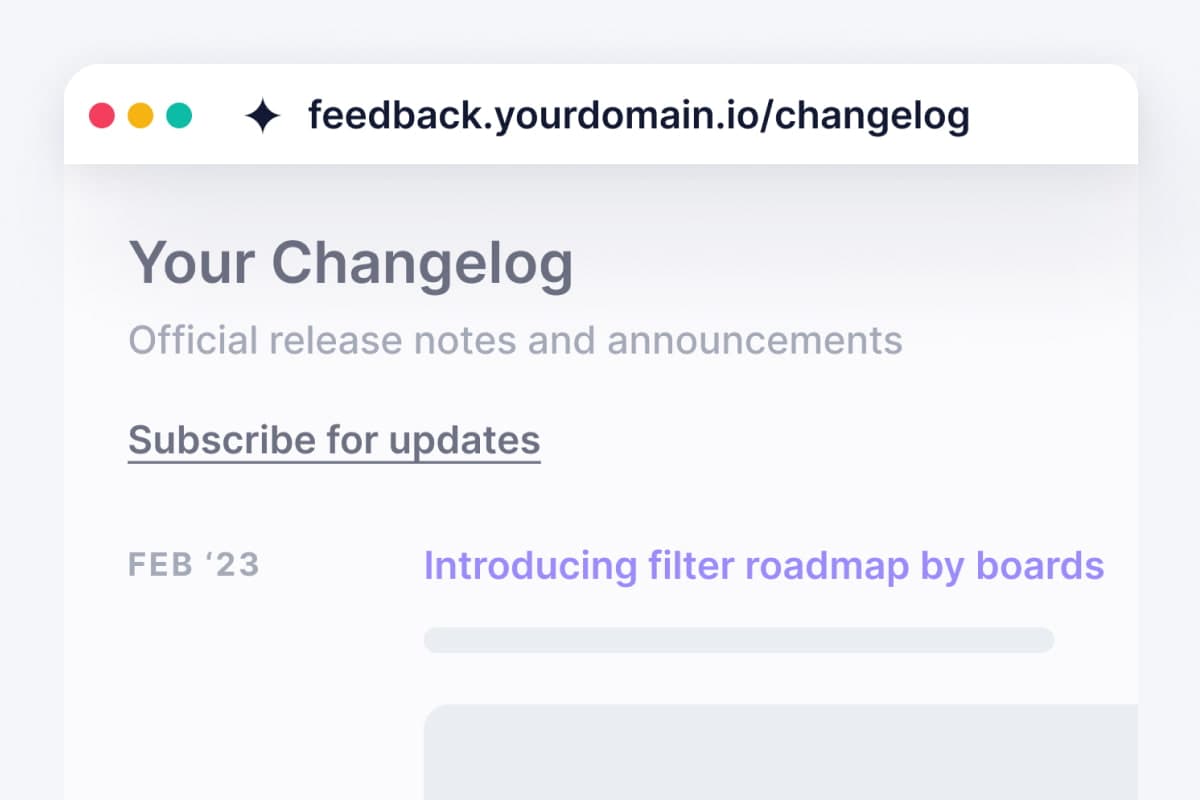
Bring your own domain to your Neevio account. Like feedback.yourdomain.com.
Hide Neevio branding (Coming soon)
Disable Powered by Neevio branding on your account.
Feedback Boards
Public or private board
Boards can be public or private, and you can decide who has access to your feedback boards.
Upvotes & downvotes
Upvotes and downvotes helps you see which feature is popular among your users.

Reset votes
If you're having trouble with spammy votes on a post, you can reset them so that they're counted again from scratch.
Internal comments
Leave internal comments on a post for team members to see without showing them publicly to your users.

Mention users (Coming soon)
You can mention another user in your posts by typing '@' followed by their username.

MCP Agents
Allows your team to vote on behalf of your users.

Post on behalf
Allows your customer support team to post on behalf of your users.

Merge duplicate posts
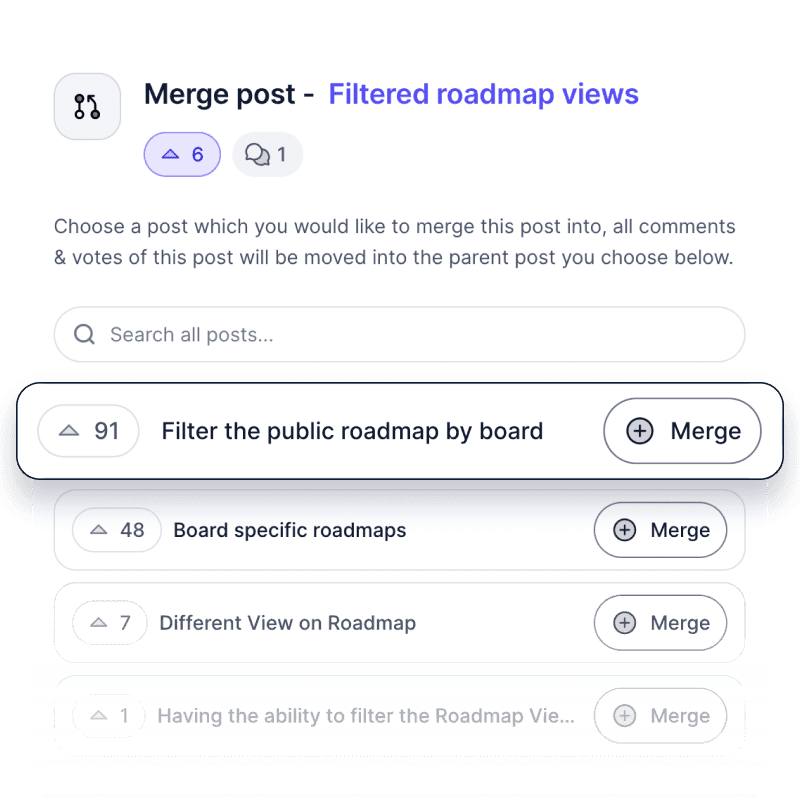
Merge duplicate posts so that all of similar feature requests are consolidated into one thread.

Priority ratings
Prioritize feature requests by asking your users about how important it is for them.

Move between boards
Move feedback between boards so you can easily see all ideas in one place.

Hide posts
Hide posts if they're not relevant to your product.

Pin posts & comments
Pin posts & comments so they stay at the top of the board where they belong!

Set estimated completion date
Set estimated completion dates so that everyone knows when they can expect new features.
Disable comments
Disable comments on any post if you don't want users leaving feedback on that post.

Read-only boards
Make your boards read-only allowing votes and comments from your users.
Product Roadmap
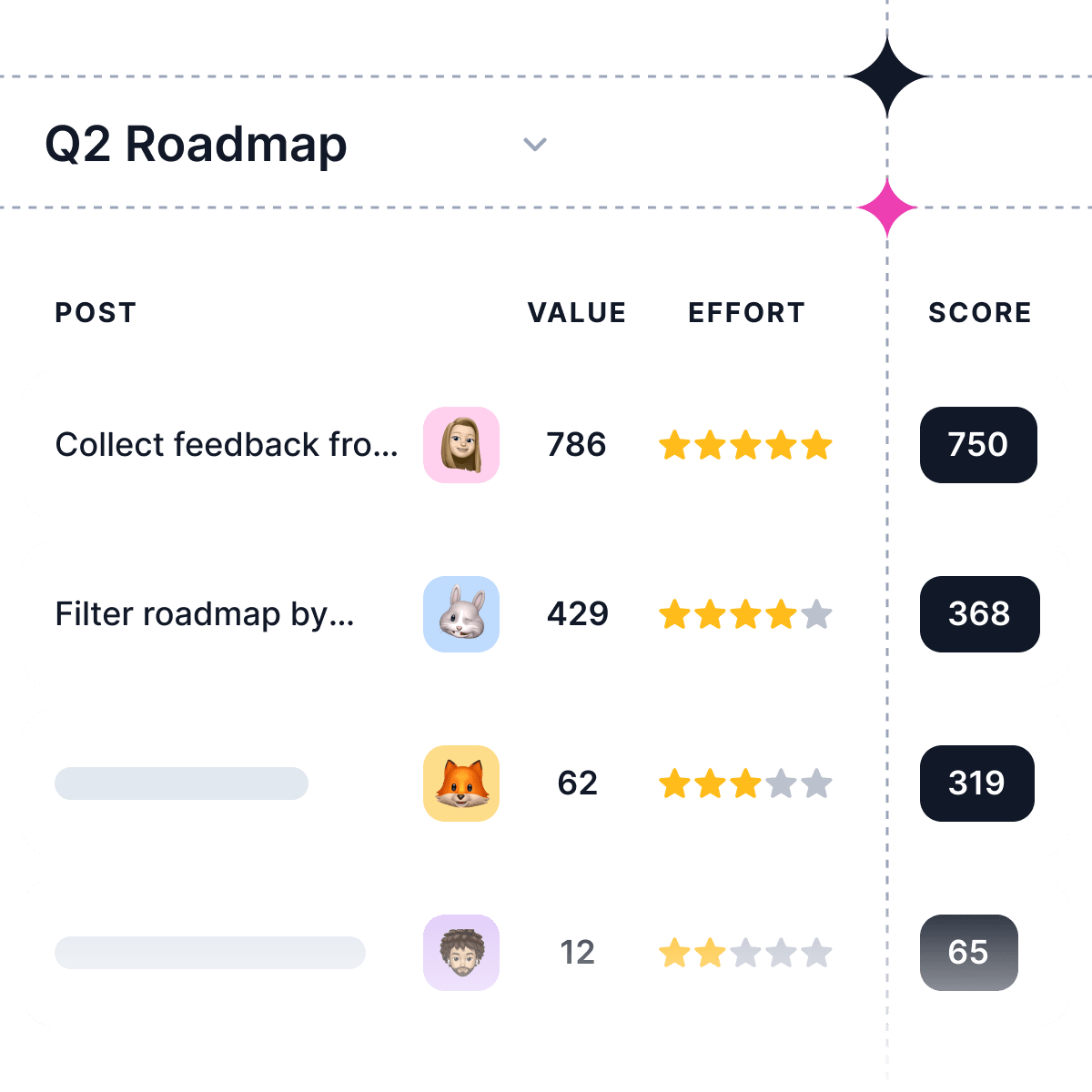
Prioritization table
Prioritize feature requests with the help of a prioritization table,so you can prioritize what's most important.

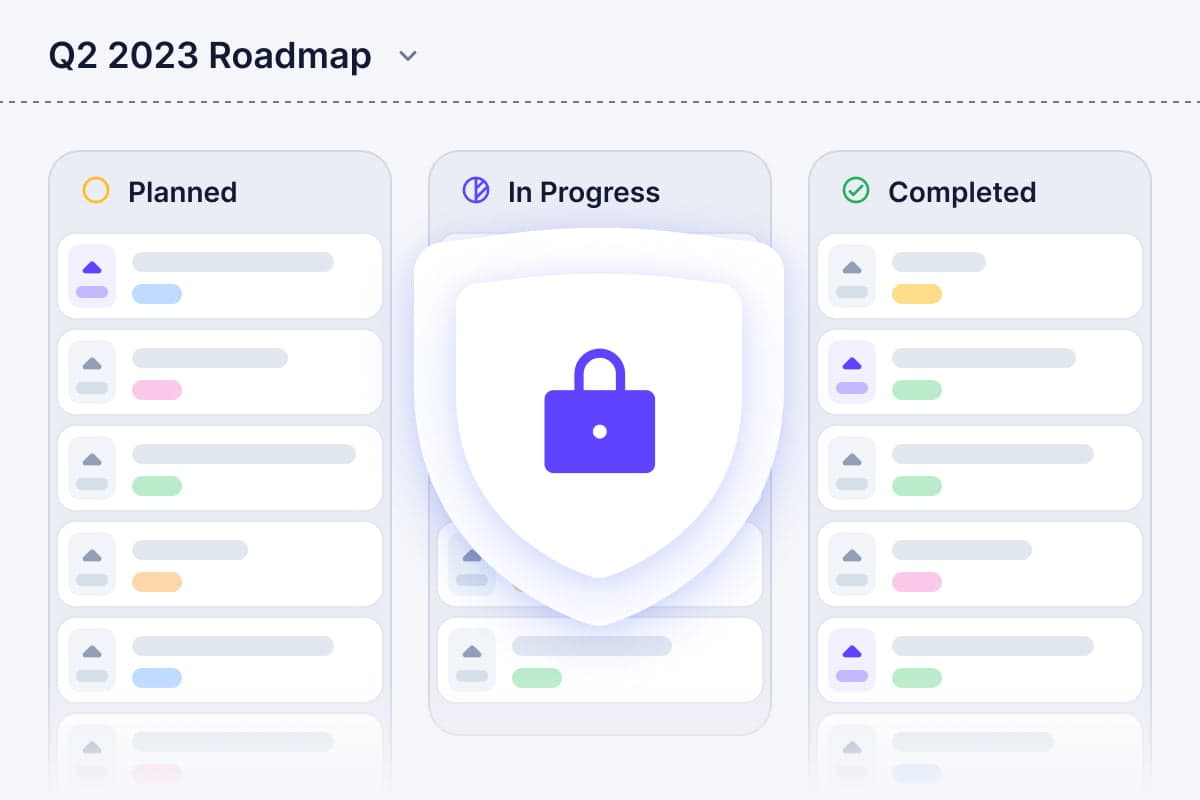
Roadmap privacy
You can share your product roadmap with specific people or with everyone using your product.

Custom statuses
Choose from a list of pre-defined statuses or create one that suits your needs best by adding it to the list as well!

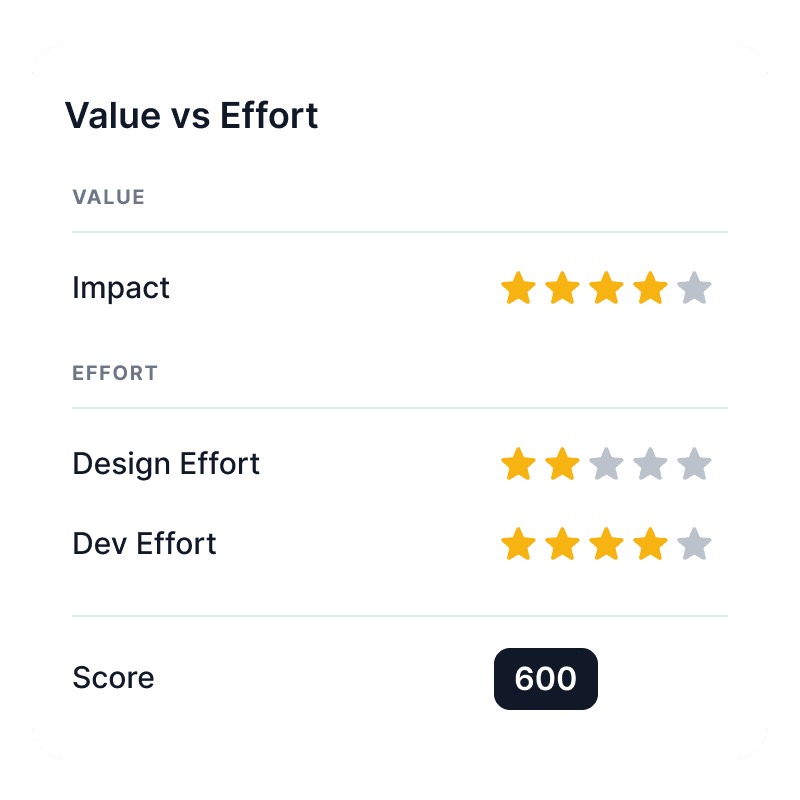
Priority score
Give each task a priority score based on impact and effort.

Embed anywhere
No matter where you want to place it, Neevio makes it easy.
Product Changelog

Add labels
Add labels to any changelog item, making it super easy to keep track of what's going on with your product.

Share changelog
If you've created an amazing new feature for your product or fixed a critical bug, share them with your users.

Rich text editor
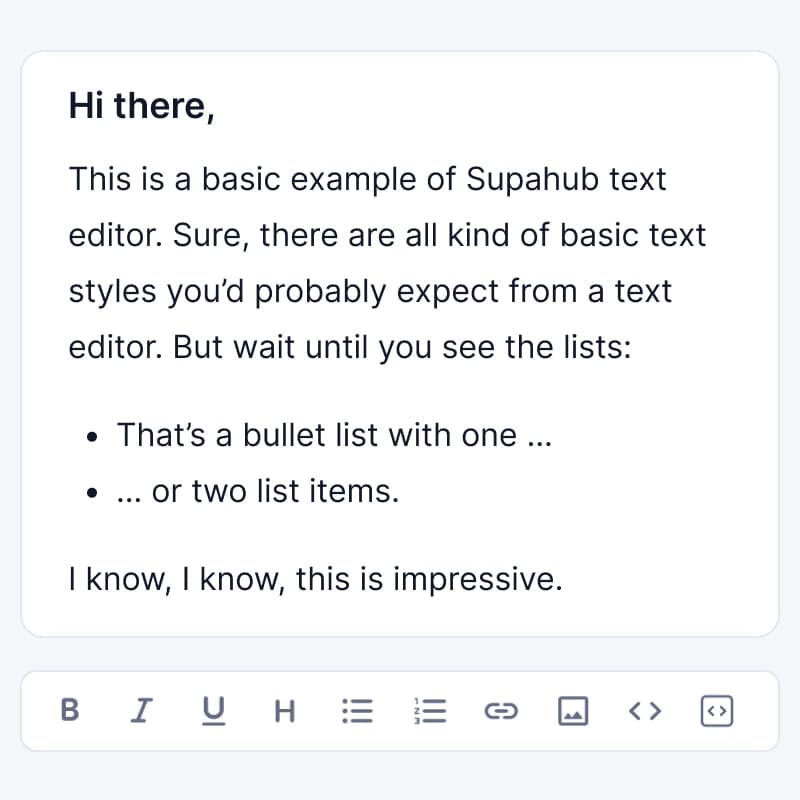
Neevio's rich text editor lets you add in links and images to make your changelog more engaging and informative.

Email notifications
We've made it easy for you to share an email with people who are subscribed to updates on that specific product.
Reactions to changelog
Allow users to react to changes with a thumbs up rating. You can also turn this off in Settings if you don't want anyone reacting to your changes.

Link related posts
You can link related posts within the same changelog that contain more information about the update being described.

Subscribe users for updates
Subscribe for updates and get notified when there's a change in your product.
Why use a customer feedback tool?
Building features that your users don't want costs you time & money
Neevio helps you save time & money by creating a product roadmap based on customer feedback and prioritizing features that will have maximum impact and value for your customers.
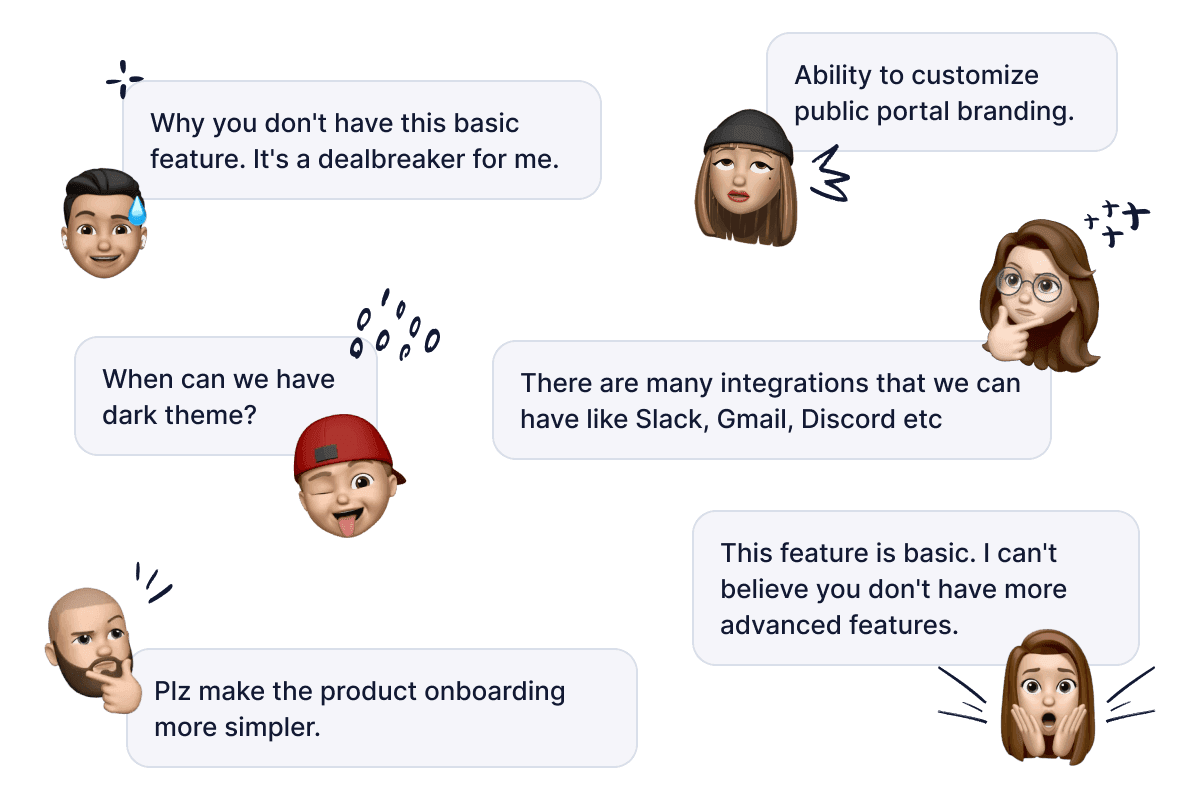

Increase customer loyalty
Get your customers involved by asking them what they want next and make feel like they're part of the process.

Build features with high impact
Build product backlogs from feature requests, prioritize and identify the highest-impact, highest-urgency features to work on next.

Maintain transparency
Share your product roadmap with customers and let them know what's being built & when it will be released.
Prefer spreadsheets to prioritize your roadmap?
Neevio is not for you. Get Google Sheet to manage feature requests.
FAQ on Neevio feedback management tool
Everything you need to know about Neevio's feedback tool
Still have more questions? Feel free to reach out to us.
What is Neevio?
Neevio is a customer feedback management platform that helps businesses collect, organize, and prioritize feedback from their customers.
Is Neevio free?
Yes. Neevio does come with a free plan. Paid plans start for only $19/month.
Can I vote on behalf of my users?
Yes, you have the ability to vote on behalf of your users in Neevio.
How is Neevio different from other feedback management tools?
Neevio offers a user-friendly and intuitive interface, inspired by industry leaders like Canny.io, making it easy to collect and analyze customer feedback. We focus on helping you take action on the most important insights.
Can I use Neevio as both an internal and a public feedback tool?
Yes! You can use Neevio to collect feedback both from your internal team and from external users. The platform is highly customizable so that you can easily change feedback board privacy that serves your specific needs.
How can I get started with Neevio?
To get started with Neevio, simply sign up for an account and begin collecting feedback from your customers and teammates.
When should I use public vs private boards?
Use public boards when you want open feedback and engagement from customers. Use private boards when you want to limit visibility to specific users or teams.
How much does Neevio cost?
Neevio offers a range of pricing plans to suit different needs and budgets, with plans starting at $19/month. But most importantly Neevio offers a free plan and a 10-day trial to get you started.
Can I customize Neevio to match my brand's look and feel?
Absolutely. Neevio offers customization options to ensure that the platform aligns with your brand's identity, so your customers experience a seamless transition.

Never miss important feature requests due to feature overload
Keep track of feature requests and understand which feedback carry the most impact and should be prioritized.